Thursday, 5 May 2011

Flying

This was the bit i was dreading the most as i knew i would find it difficult to give a smooth sign of movement and for the animation not to look jumpy.

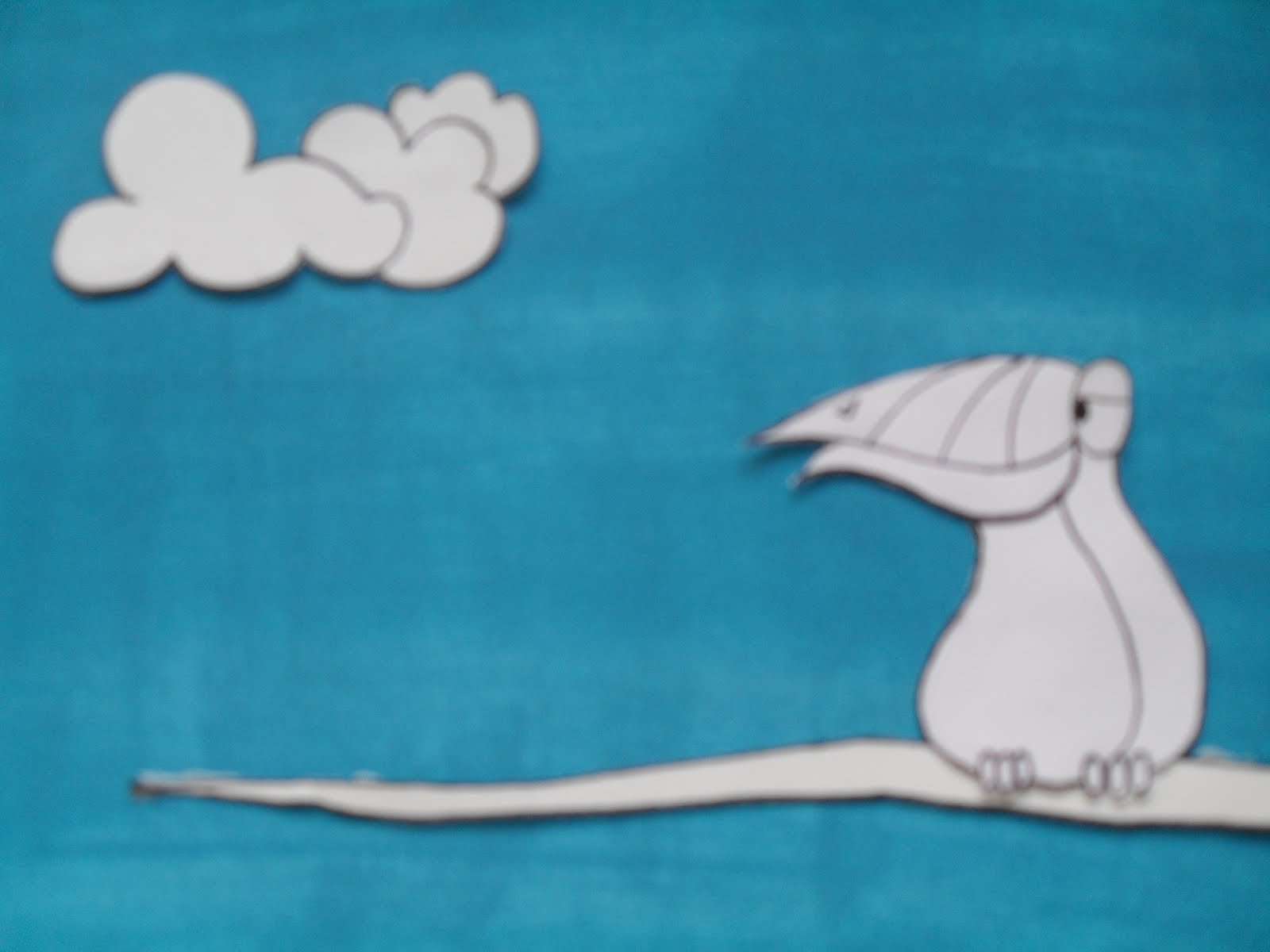
I first of all began by thinking about the movement of a birds wings.


  • Up
  • Side
  • Down
  • Side
  • Up

I'd also needed to show movement across the screen as well as the bird moving down the screen. To show movement across the screen i decided to use a cloud, which i could put into different positions on the screen depending on the movement of the birds wings.

After much confusion this is what i came up with...
And I'm still not sure its right!


Up x2


Side x2


Down x2

Again these were scanned in drawings which i then draw again in Illustrator and coloured in Photoshop. I decided to use the cloud as a way of showing movement by moving it from left to right. I hope when this is all put together in my animation it will work smoothly.


Creating my slides

Since i knew my animation had to be around 20-30 seconds it was easy to work out my frame rate, after a little bit of thinking and research, i decided my animation was going to be set at 12FPS. This means i would need a total of 240 images if my animation was to be 20 seconds long, and 360 images if my animation was to be 30 seconds long. 

For the beginning of my animation i wanted the bird to be looking around in hope that someone would come and make his dream become reality. 

x 4


x4

Then repeat...
I didn't want the bird to look like it was turning its head really fast, i wanted it to look more of a curious glance. This is why i had to use more frames, i tried with the idea of using less frames but the speed wasn't correct.

I then went on to look into a way of engaging the audience into my story before they have seen the whole animation. Since i didn't want any type in my animation i found the best way to do this was to show what the bird is thinking.


x2


x2


x2


x2


x2


I then decided to alternate the dance scenes over and over to give the feel of movement. I think this scene worked very well.

Illustrator

After having a few attempts of using my drawn character designs, I decided i wasn't impressed with the outcome. The lighting never seemed right which meant my drawings we all dull and not as bright and vibrant as i had in my head! Looks like stop motion isn't the one for me...


I then went on to scan in all my drawings and see what i could create on Adobe Illustrator.


Here is an example of the toucan with its wings down, to create this character i simply scanned in all my hand drawn images and opened them with Illustrator. I then went on to create a second layer in which i could begin to draw over my hand drawn image. Each character was drawn with the pen tool at a thickness of 1 pt.

I then went on to transfer all my hand drawn images into Photoshop so i could then add colour. I wanted each slide to be bright and vibrant so to create this i used only block colours. I believe this worked well to created my desired effect.


Here is an example of the colours and layout i used for each slide, i have decided to keep the colours similar throughout. This is to avoid confusion and keep the animation simple, as i learnt the more thing you alter the harder it is for your animation to run smoothly! 
I really liked the effect that has been created by using both Illustrator and Photoshop, i think it looks very clean cut and will (hopefully) be the making for a effective animation.

I then went on to colour each slide in detail...

Characters

I decided to go with the idea of using a Toucan i felt this was the character i could get the most personality and potential out of. I began sketching a range of different positions and expressions for my character.


I also looked into the different positions of the birds wings for when it was flying.


I now need to decide whether i am going to simply colour the scanned drawings in on photoshop, or use the pen tool on illustrator for a cleaner finish.

Audio

Now that i had my final idea i needed to decide what time slot i would base my narrative round. I was advised to use a program called Wave Pad, although i have not used this piece of software before i found it simple to understand. You basically just cut out the sections of the song you don't want leaving you with your desired piece of music.


After listening to the song over and over and cropping different sections to see which one would work best i went with 10 seconds plus. I thought this was the best section of the music to use as it includes the build up in the song.

Tuesday, 12 April 2011

STORYBOARD.


This is my narrative for my final animation piece. I decided to go with the idea of using a Toucan dancing as i feel the idea was most suiting to the music, and i feel i could have alot of fun with it. This is just my first draft of my storyboard, i now need to draw each slide in more detail so the story is obvious to the reader without my explanation. The final animation will be made by using plasticine and outdoor environments, where i will then photograph each frame eventually completing the animation in stop motion.

Storyboard Ideas

Now that i have my three words i need to decided on narrative ideas. Since i have already decided my chosen character is going to be a bird most of my ideas keep with this theme. But before i had the idea of using a bird i came up with some other ideas...


Above is my first ever narrative idea, in this storyboard i will take a selection of images of peoples facial expressions, while wearing a Brazil carnival mask. Each expression will be different (even if only slightly) and will fit in theme with the music. The images will then be put together using stop motion.